Find the right gage
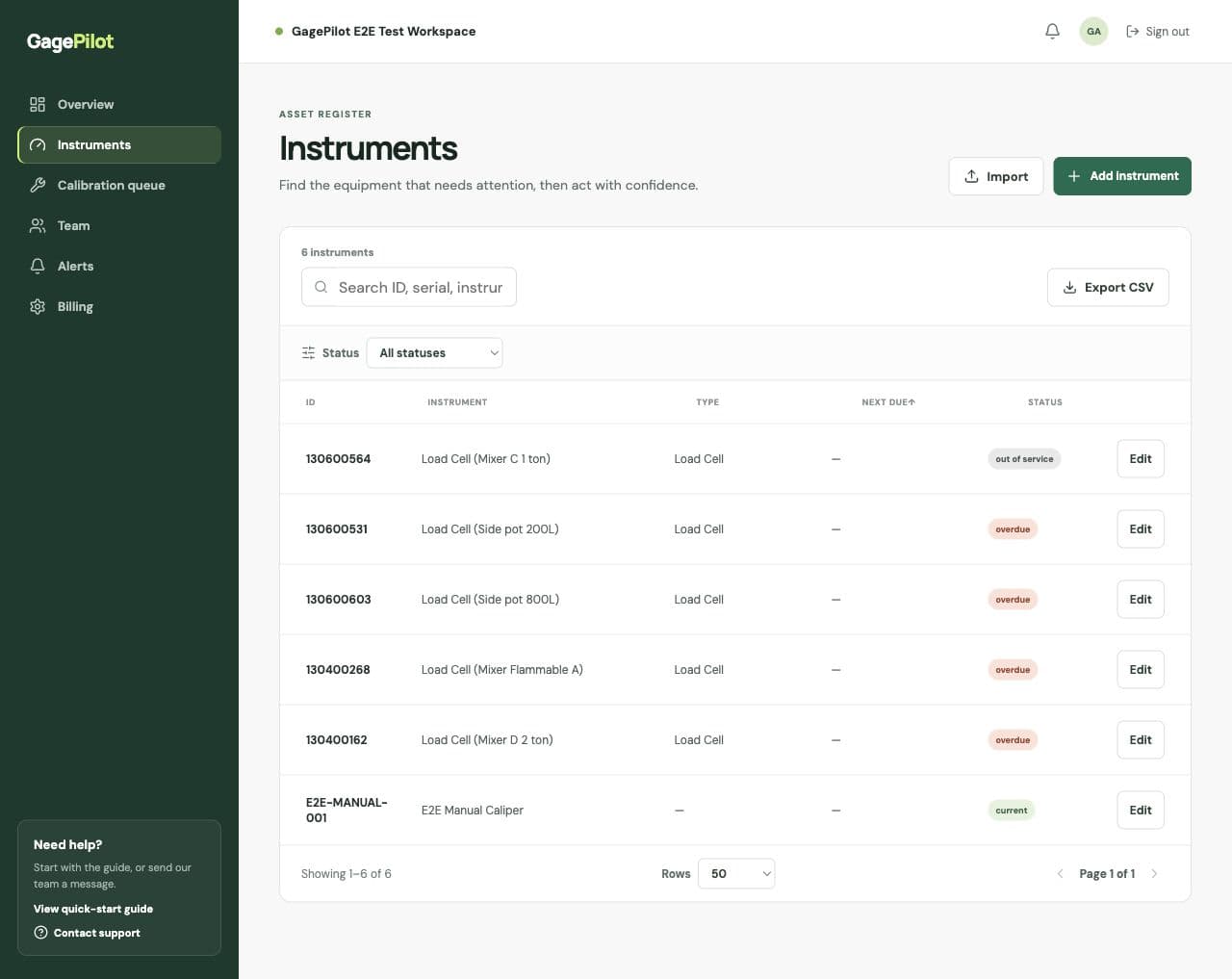
Search by asset ID, description, serial number, owner, or location instead of relying on a spreadsheet row and a certificate folder.
Gage tracking software
Gage tracking software for manufacturing quality teams working from spreadsheets. See overdue equipment, find calibration certificates and keep the team up to date.
Then $99/month · No credit card required
Start with one instrument. Import your spreadsheet whenever you’re ready.
Try the sample register ↓Explore the illustrated workflow
Choose an instrument, view its example certificate reference, then explore reminders. This is a simplified illustration with fictional data, not the application interface.
3 instruments
CAL-014 · Inspection bench
Calibrated September 4, 2025
Result: Pass
One register for every controlled instrument
Search by asset ID, description, serial number, owner, or location, then move from the gage record to its due date, result, and certificate.
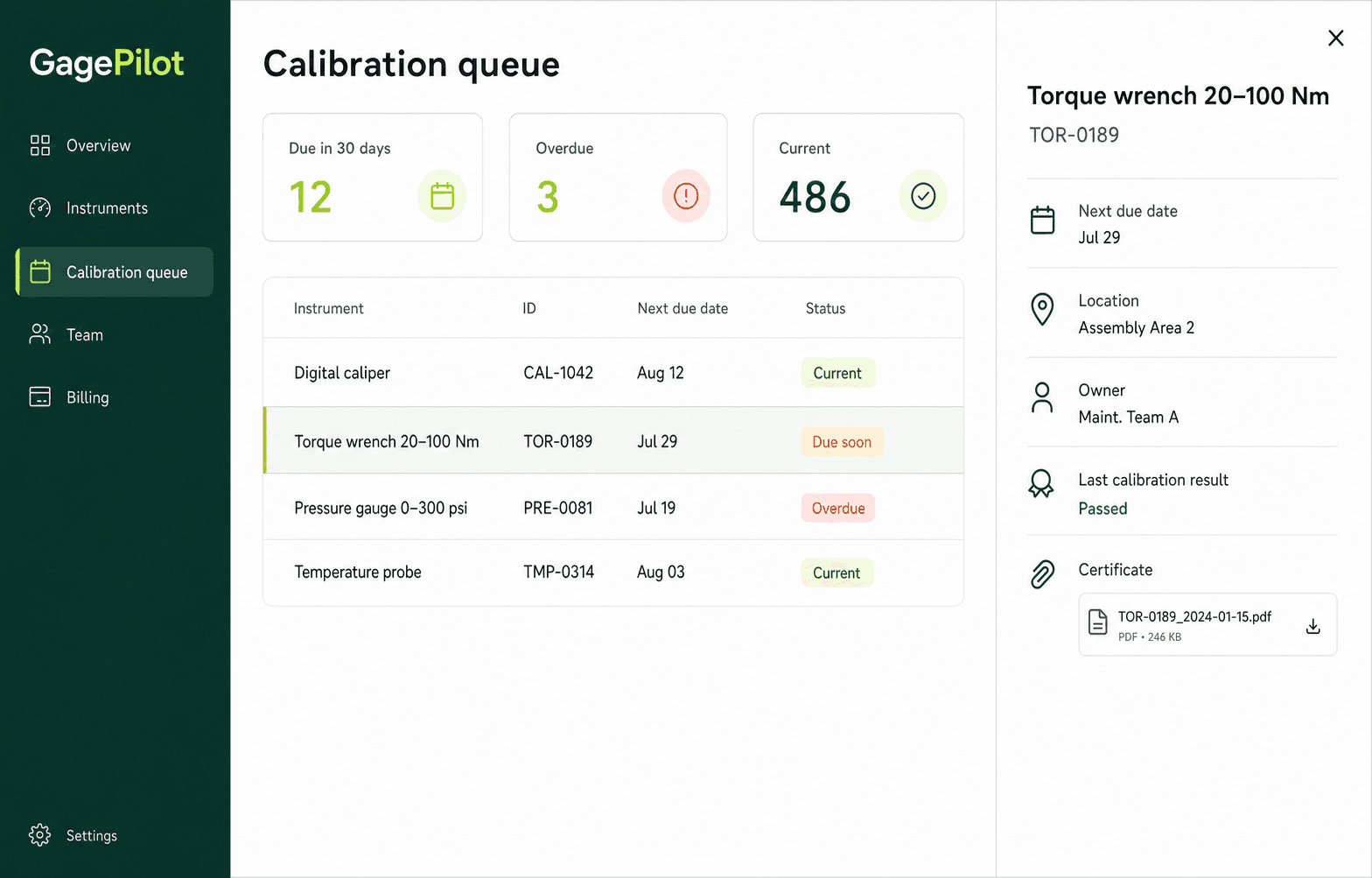
Gage and gauge management
Gage tracking software—also called gauge management software—keeps the identity, location, calibration status, and history of measuring equipment connected in one register.
GagePilot gives manufacturing quality teams a shared view of calipers, micrometers, torque tools, pressure gages, test equipment, and other controlled instruments without a desktop installation.
Search by asset ID, description, serial number, owner, or location instead of relying on a spreadsheet row and a certificate folder.
Use current, due-soon, overdue, and out-of-service labels to focus attention on instruments that need action.
Keep calibration dates, results, notes, providers, and certificate attachments with the instrument record.
Invite quality, maintenance, and operations teammates and assign clear ownership without paying per invited user.
Your first steps
Add one instrument now, then bring in the rest of your register when you’re ready.
Use a real asset ID, description and next calibration due date. CSV and XLSX import is available when you need it.
Confirm intervals, owners, locations, and the dates your team uses to plan work.
Give quality, maintenance, and operations teammates a shared view of the queue.
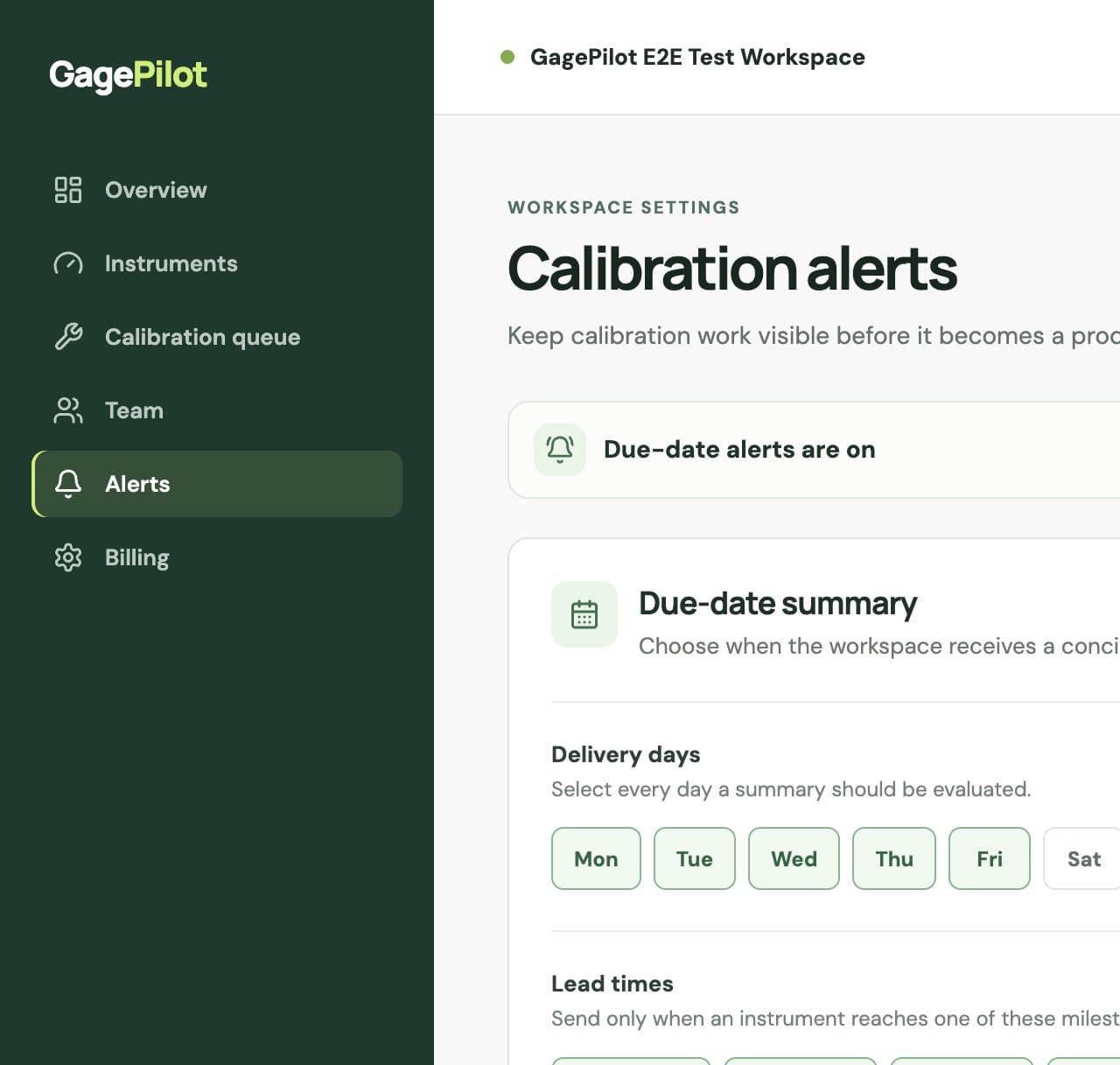
Choose lead times and delivery days so upcoming and overdue work stays visible.
Clear ownership and control
GagePilot helps organize the calibration records your team already owns. It is software for managing evidence—not a calibration laboratory or a compliance certification.
From gage list to controlled register
Before moving a gage list into software, test the everyday retrieval tasks that determine whether the register stays useful after launch.
A hand with setup
Tell us how you track calibrations today and what you need to get started. We’ll help by email with your first instrument or CSV/XLSX import.
Straightforward pricing
Up to 500 instruments, unlimited invited users, certificates, calibration records, instrument CSV export, and email support.
Common questions
No. Start with one instrument to try the workflow, then import your CSV or XLSX register whenever you are ready. Setup help is available by email.
Both spellings are used. In US manufacturing and metrology, “gage” is common for dimensional measuring equipment, while “gauge” is also correct in general use. GagePilot supports the same instrument-control workflow regardless of the term your team uses.
A useful system records the gage ID, description, serial number, owner, location, calibration interval, last calibration, next due date, status, results, provider, notes, and certificate history.
Yes. Import the existing CSV or XLSX register, review validation results, and then manage due dates, reminders, calibration events, certificates, and history in the shared workspace.
GagePilot focuses on the controlled register, schedules, reminders, certificates, and exports. Calibration label printing is not currently included, so teams should keep their approved label process alongside the system.
The $99 monthly Starter workspace includes up to 500 instruments and unlimited invited users. The 14-day trial does not require a credit card.