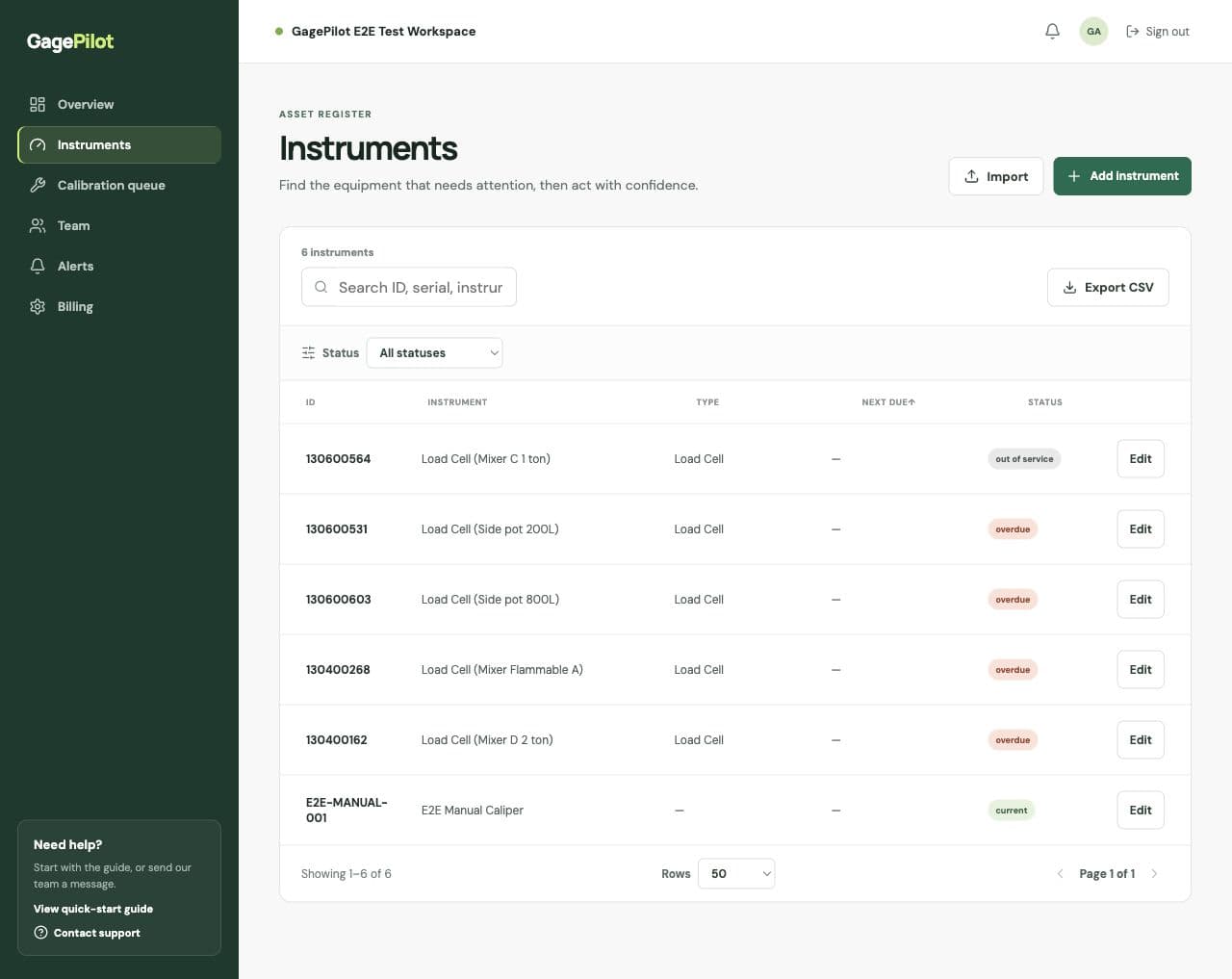
What belongs in an instrument record
- A stable asset or gage ID
- A clear description and serial number
- Location and owner or assignee
- Calibration provider
- Last-calibrated and next-due dates
- Calibration interval and notes
Find the records that need attention
Use the register search to find an ID, serial number, instrument, or location. Use Status to narrow the list to overdue, due-soon, current, or out-of-service instruments. Sorting by Next due keeps the next work visible.
When to edit versus import
| Situation | Best action |
|---|---|
| One instrument changed owner or location | Edit the individual record. |
| Several existing records changed after a spreadsheet review | Use Edit on each affected instrument. Import skips existing asset IDs, so uploading the changed rows does not update them. |
| A calibration was completed | Record it in Calibration queue so the history and next due date stay together. |
Keep IDs stable
Asset IDs are the anchor for a controlled register. Avoid changing an ID just because an instrument moves departments; update the location or owner instead.